The Bottom Line
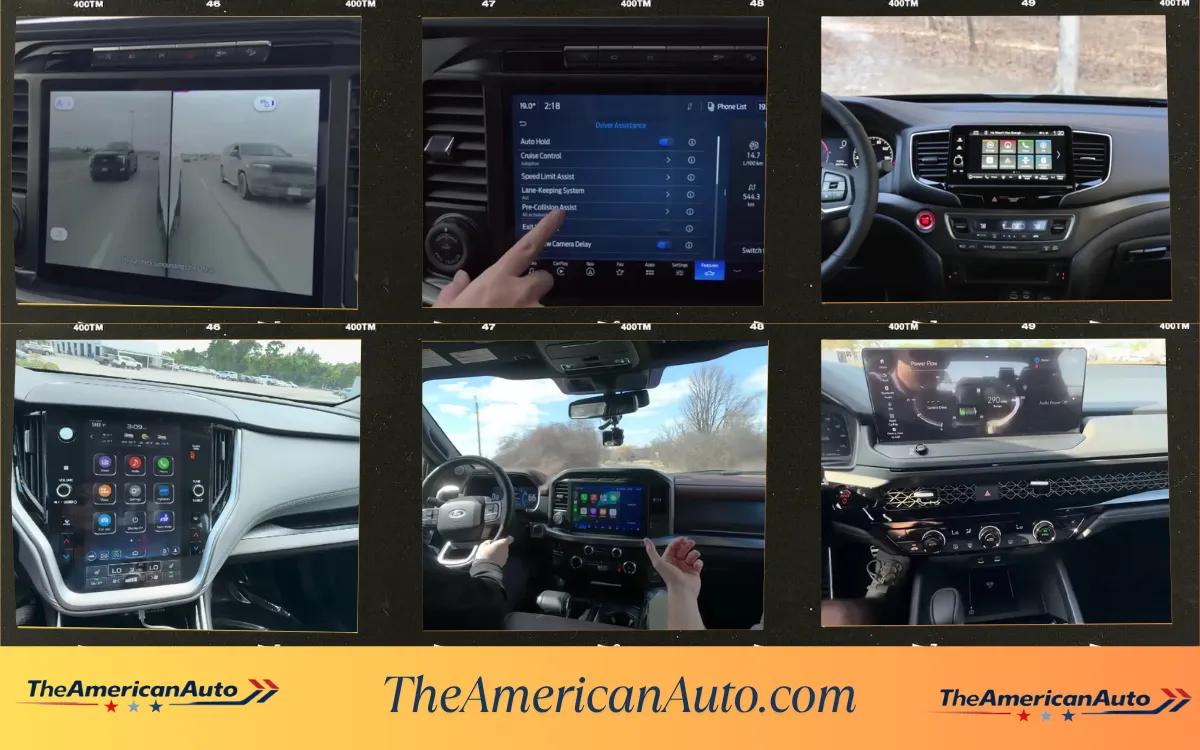
I keep short voice memos on my phone after every car lease. Just quick thoughts I record before I forget them. After two years and 40 cars I sat down one night and went through all of them. I sorted them by which screens I stopped thinking about, which ones had one thing that drove me crazy, and which ones actually made me want to get out of the car and text instead. This is that list.
I have a habit of recording short voice memos on my phone right after I hand back a lease.
Nothing fancy. Just like 30 seconds of me in the driveway saying what I actually thought while it was still fresh. Most of them are about the car in general but a lot of them mention the screen at some point.
I went through all of them one night and pulled out everything about infotainment. Two years. 40 cars. A lot of opinions.
Here is what those notes actually said.
The Ones I Stopped Thinking About
These are the best ones. Not the flashiest or the biggest. The ones that just got out of the way and let me drive.
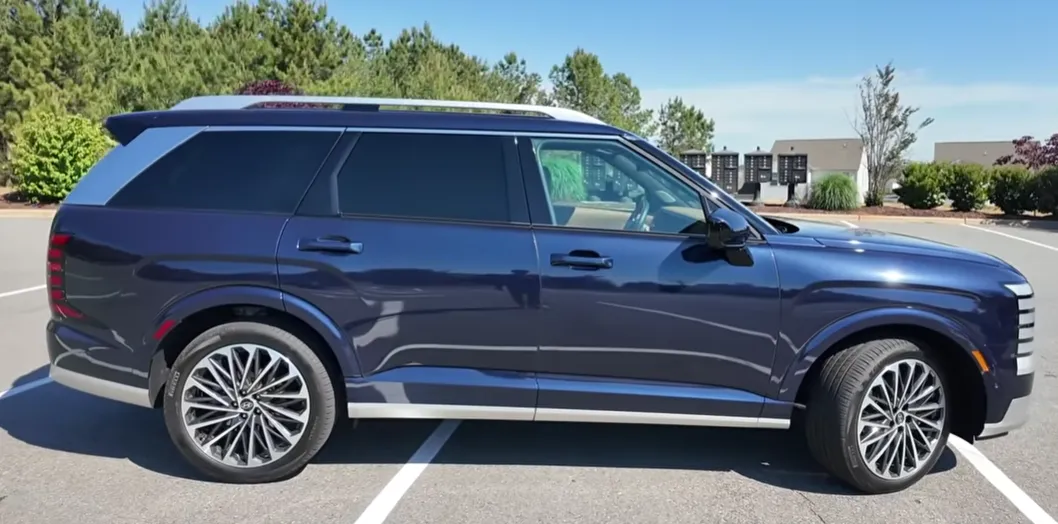
Hyundai Palisade and Kia Telluride both run a similar system and it is one of the most comfortable infotainment setups I used across any of my leases. The screen is responsive. The menus make sense without you having to learn them. Google Built-in is on the upper trims and it works well. But the thing I kept noticing in my voice memos about both of these cars was the physical climate controls. Real knobs and buttons for the temperature and the fan. You do not have to look at a screen to turn up the heat. You just reach over and turn a knob. After weeks in cars where every little thing goes through a touchscreen, this felt like a relief every single morning.
Honda Ridgeline connected to my phone in about 12 seconds every single morning. Just started the car, CarPlay loaded, done. I wrote about borrowing it from my neighbor Joel in the Ridgeline review on this site. Over three days of use it never once gave me a problem. It just worked. That is more rare than it sounds.
Nissan Rogue was smooth and easy. Google Built-in on the SL trim I had meant the screen responded fast and the maps worked without needing my phone at all. No lag. No loading. You just used it.
Chevrolet Equinox EV gets a mention here specifically because it is an EV and most EV infotainment systems have some kind of issue or quirk. The Equinox EV was just normal. Screen loaded fast. Wireless CarPlay connected without fighting it. Climate controls were where you expected them. For a first-time EV buyer this matters a lot because the whole car is already new and unfamiliar and the last thing you want is a screen that confuses you on top of that.

The Ones That Had One Specific Thing
These are the systems that were mostly fine but had one thing I thought about every day.
Mazda CX-50 and Mazda3 both use a rotary dial on the center console instead of a direct touchscreen. You scroll the wheel to move around the screen. There are some buttons around it for shortcuts. Mazda’s argument is that it keeps your eyes on the road. In my voice memo after the CX-50 lease I said “I kept reaching for the screen like an idiot for the first week.” By day ten it was second nature and I actually liked not touching a screen while driving.
But here is the thing. Mazda just switched to a full touchscreen for the new 2026 CX-5. They officially moved away from the dial. That tells you something. Even they decided it was not the right call long term. The system works once you learn it. But you have to learn it. And not everyone wants to do that.
Subaru Legacy came up slowly after the car had been sitting in Las Vegas heat for a few hours. I wrote about my niece Priya using this car in the Legacy review on this site. When she first started it after it had been parked outside at work all day the screen took a moment before it was fully responsive. Not a long time. Maybe 15 to 20 seconds. But when you are already running late and trying to connect your phone fast, that pause is noticeable.
Volkswagen Jetta base trim has an 8-inch screen. My cousin Kyle bought one and I wrote about helping him pick it in the Jetta review. The 8-inch is fine for using CarPlay. It is fine. But sitting next to the Civic and the Corolla which both have bigger screens as standard on comparable trims, it reads as behind. It does not break anything but it is one of those things you notice every day because the screen just looks a little small on the dashboard.
Nissan Frontier had a screen that was responsive and worked well enough but the native interface underneath CarPlay looked like it was designed a few years ago. Everything worked. Nothing felt current. My voice memo after that lease said “fine but aging.”
The Ones That Actually Frustrated Me
These are the ones I mentioned in my voice memos with some irritation in my voice.
Volkswagen ID.4 froze once and needed a full reboot while I was parked. Black screen. The car was running. I just had no screen for about 45 seconds while it restarted. I covered the ID.4 Las Vegas to Sedona road trip in that review on this site. The freeze happened in Sedona on a Saturday afternoon. Everything came back fine and it only happened once in the whole lease. But once is enough to make you not fully trust a system.
The bigger issue with the ID.4 is that Volkswagen does not offer CarPlay or Android Auto. The native system is what you get. And the native system has been improved through updates but it still has a slightly clunky feel in some menus. When you are used to CarPlay just running everything cleanly the native VW interface takes adjustment. Some people adapt. Some people find it annoying the whole time.
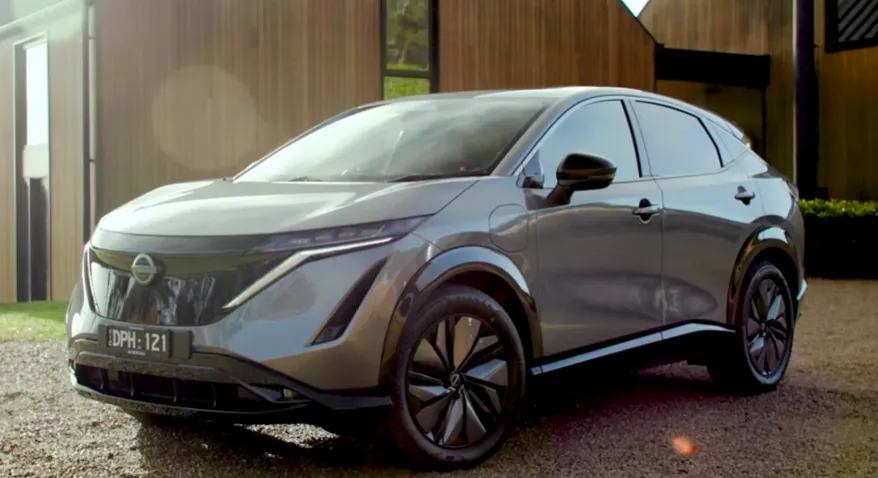
Nissan Ariya also has no CarPlay or Android Auto. Nissan’s own system. I wrote about almost skipping this car in the Ariya review and the infotainment was part of why I was skeptical going in. The native system actually worked better than I expected. But going from a car with wireless CarPlay to a car with no CarPlay at all requires real adjustment and the Ariya’s system has some menu layering that takes time to learn. My voice memo after that lease said “no CarPlay still feels like something is missing even when the system works.”
Lucid Air is a special case. My wife basically claimed this car for the whole two weeks we had it and you can read about that in the Lucid Air review. No CarPlay. Lucid’s own system only. The system is genuinely well built and fast and the screen is massive. But the morning my wife asked where the CarPlay button was and I had to explain there was no CarPlay button and there never would be, she gave me a specific look that I will not describe in detail. Lucid’s system is one of the better native systems I used. But no CarPlay on a car that costs over $100,000 is still a tough sell for a lot of buyers.
What Two Years of This Actually Taught Me
The best infotainment systems are the ones you forget are there.
That sounds obvious but it is harder to build than it sounds. The cars where I stopped thinking about the screen and just used it were the ones that did not ask me to learn anything. The layout made sense on day one. The buttons were where I expected them. The screen loaded fast every morning including when the car had been sitting in 110 degree Las Vegas heat all afternoon.
The worst ones were the ones that reminded me they existed by doing something unexpected. Freezing. Loading slowly. Missing the one feature I use every day.
Physical climate controls. This came up in my notes more than almost anything else. Cars that put the temperature and fan controls behind a touchscreen menu frustrate me every single time. Cars that have a real knob for the fan and a real button for the heated seat, I never mentioned their infotainment in a negative note. Not once.
If you are about to buy a car and infotainment matters to you, do one specific test during the test drive. Connect your phone. Open your maps app. Turn on the AC from full heat to full cold. Then change a radio station. See how many taps and menus it takes to do all of that. That is the daily use test. Not the showroom demo. That.
Some quick things people ask about car screens:
Which car has the best infotainment right now?
For everyday use the Hyundai Palisade and Kia Telluride systems are some of the most comfortable to live with. They have physical climate controls alongside a good screen and the system just works without making you think. For EV specific, the Chevy Equinox EV was surprisingly smooth and easy for a first-time EV buyer.
Does it matter if a car has Google Built-in vs just CarPlay?
If you use CarPlay for everything it does not matter much because CarPlay overrides the native system anyway. Where Google Built-in helps is when you are not using your phone, like when the car is someone else’s and they want to use the native navigation without connecting a phone. For daily personal use, if wireless CarPlay connects fast and reliably, that is most of what you need.
Is the Mazda dial system actually bad?
It works once you learn it. The learning curve is about a week. After that some people prefer it because you never poke at a screen while driving. But Mazda just switched to a touchscreen for the new 2026 CX-5 which tells you even they decided the dial was not the long-term answer. If you buy a current Mazda with the dial give yourself a week before you decide how you feel about it.
Why do some cars not have Apple CarPlay?
Some brands like Tesla, Rivian, and Lucid built their own software systems and do not license CarPlay. They want to control the whole experience. Some buyers are fine with this. Others miss CarPlay from day one and never stop missing it. If you switch from a CarPlay car to a car without it, test drive the native system for at least 20 minutes before you decide it is okay.
What is the worst thing an infotainment system can do?
Freeze while you are driving. A screen that goes black and reboots while the car is moving is the one thing that goes from annoyance to actual safety concern. The VW ID.4 did this once to me while parked which was fine. If it happened at 70mph on the 15 it would be a different story. Physical controls for climate and basic audio settings matter specifically because if the screen has a problem you still need to be able to turn down the fan.